Tracking is one of the first things your customers will judge you on. If a package goes quiet, the phone rings. If status updates are stale, trust erodes. LiveCourier's tracking is built so every shipment - whether one of your drivers is carrying it or it's been handed off to FedEx - shows current status in one place, for you and for your customer.

Customers track shipments from your branded portal, by clicking a link in an email, or by replying to an SMS. They don't need an account. You see the same data in your control panel, with audit history attached.

Two Tracking Flows, One View

Couriers handle two very different shipment types. LiveCourier tracks both in the same system, so your customer never has to know who actually delivered the package.

Two tracking flows converging into one customer-facing view Self-delivered shipments flow through pickup, scan, sort, and delivery with proof. Third-party carrier shipments are tracked via API polls. Both flows feed the same unified customer tracking timeline. SELF-DELIVERED Customer creates order Driver picks up + scans on app Sorted at warehouse Delivered + signature / POD 3RD-PARTY CARRIER (FedEx, DHL, UPS, TNT, USPS) Customer creates order Carrier label via carrier API Carrier transit events polled Carrier delivers final scan synced LiveCourier polls each carrier's API every few hours Customer's Tracking View portal · email · SMS your branding One unified timeline. Your customer never sees the difference.

Self-Delivered Packages

For shipments your team handles end-to-end, every status change comes from a real scan or action in the driver app - not an estimate.

  1. Customer creates a shipment in the portal (or you create it for them) and prints the waybill.
  2. Pickup is auto-scheduled or your dispatcher assigns it manually.
  3. Driver receives the pickup on the mobile app and scans on collection.
  4. Package arrives at your warehouse, gets scanned in, and is routed to destination.
  5. Delivery driver scans on arrival, captures signature and POD photo, marks delivered.
  6. Customer sees the full timeline in real time - no manual updates from your team.
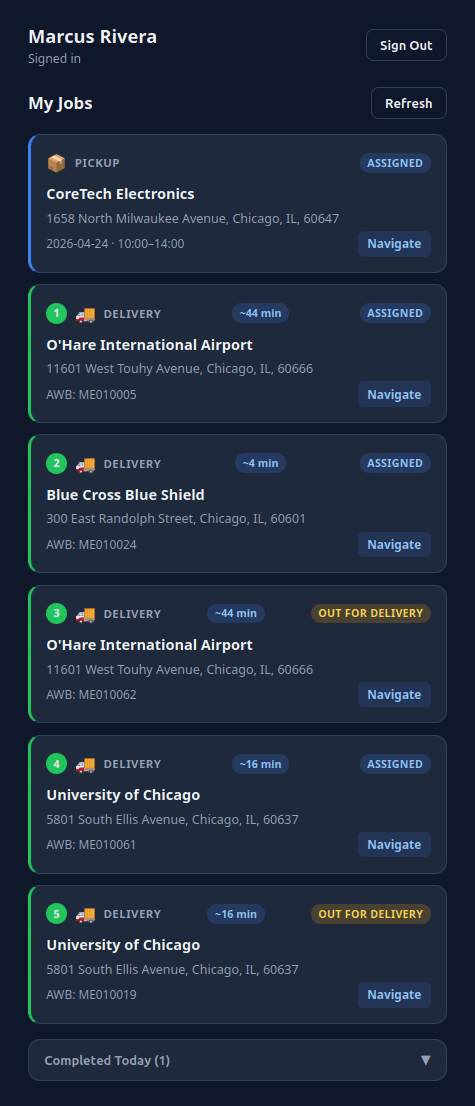
LiveCourier driver app showing job list, scan button, and POD capture

Third-Party Carrier Shipments

When you forward a shipment to FedEx, DHL, UPS, TNT, or USPS, LiveCourier generates the carrier label, polls the carrier's tracking API, and writes events into the same database that holds your self-delivered shipments.

  1. Customer (or you) creates the shipment and selects a major carrier service.
  2. LiveCourier generates the carrier label via their API - no separate carrier portal.
  3. Pickup is scheduled with the carrier, or you drop the package at their facility.
  4. LiveCourier polls the carrier every few hours and pulls in tracking events.
  5. Customer sees the same unified timeline - they don't need to know who delivered it.

Other carriers can be added on request - the integration framework is the same.

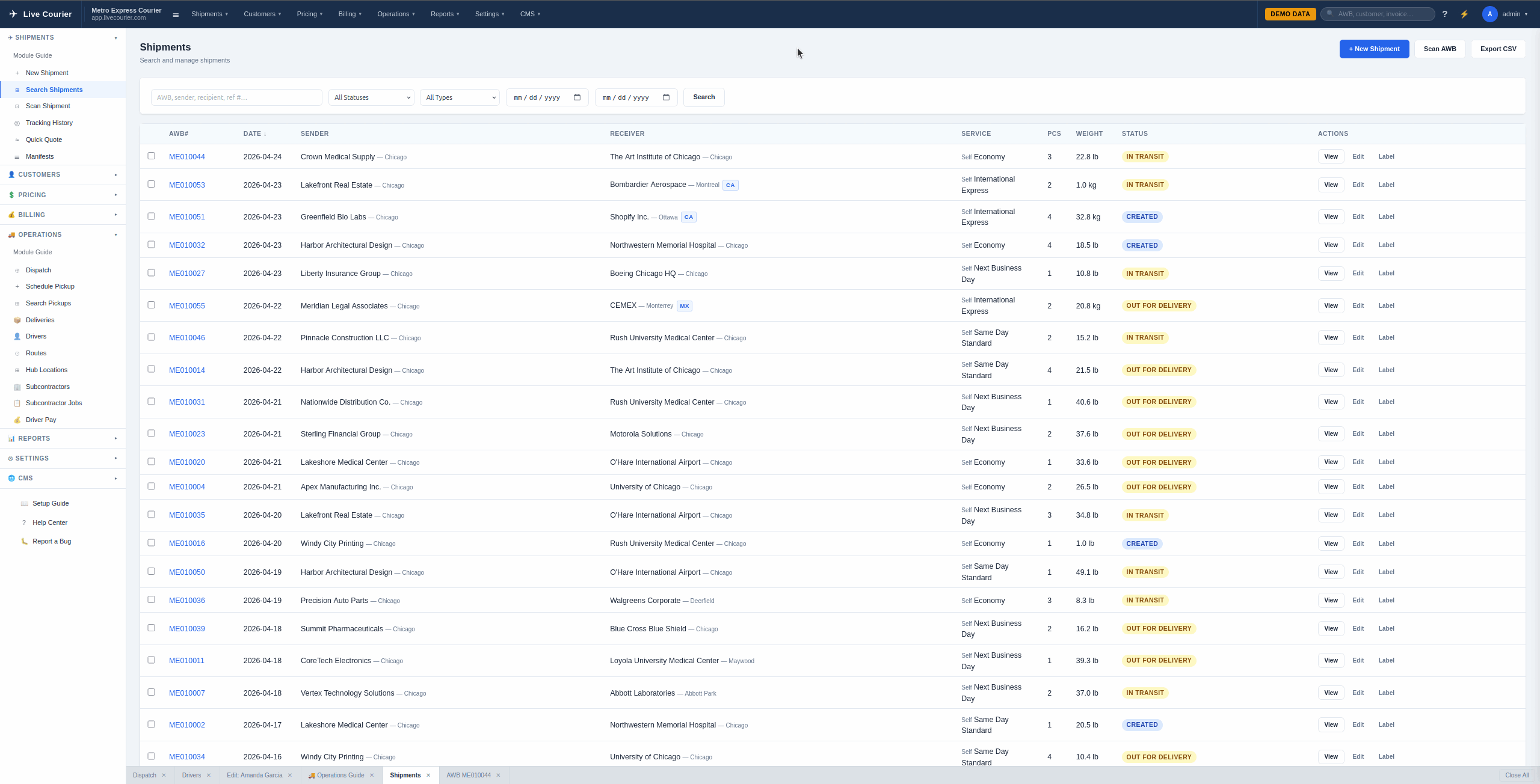
LiveCourier shipment list with carrier badges, status, and tracking timeline

What Your Customers See

Tracking is exposed three ways, none of which require a customer account:

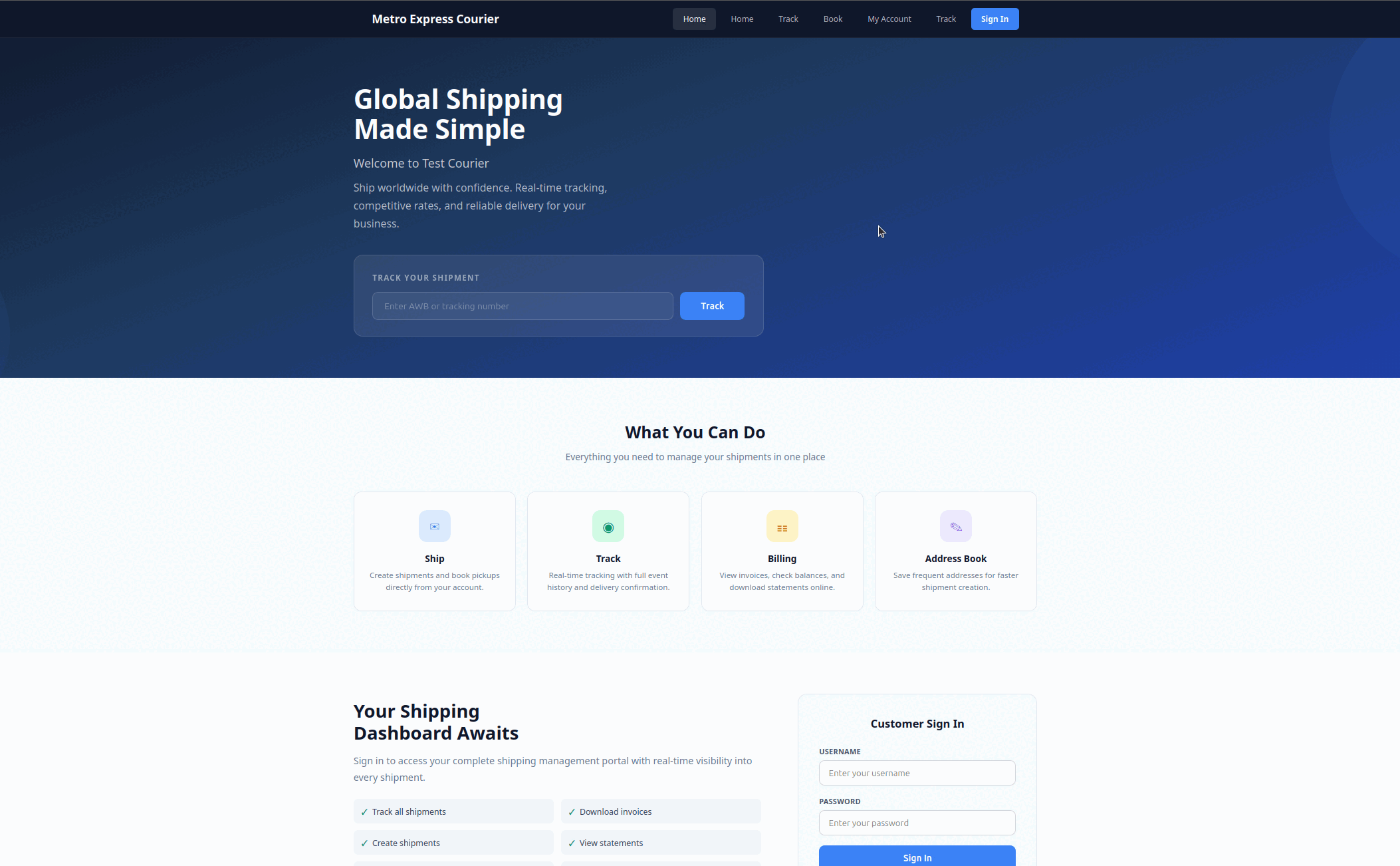
  • Branded portal - your subdomain (or your custom domain). Customers enter a tracking number and see the timeline with your logo, not a third-party brand.
  • Email notifications - automatic at pickup, in transit, out for delivery, and delivered. Each with a one-click tracking link. Templates editable per tenant.
  • SMS alerts - optional, same milestones, with a short tracking link. Useful for delivery-window coordination.
LiveCourier customer portal showing tracking timeline with status events and timestamps

What's Behind It

The pieces that make end-to-end tracking actually work, not just look like it works.

Related

See Tracking in Action

Start a free trial and see how every shipment looks from your customer's perspective.

Start Free Trial